
Broken Screen Prank
Create a clearly disclosed animated broken-screen simulation with mode-specific impact sequences, adjustable placement, reflection, intensity, and still download.
Related tools
Practical uses for Broken Screen Prank
- Create a harmless visual gag with the owner’s permission.
- Mock up damaged glass for a film or interface concept.
- Download a customized crack composition for a creative project.
A careful three-step workflow
- 1
Confirm the safe-use disclosure and choose a damage style.
- 2
Adjust placement and intensity, then select Start or tap the preview to replay its impact sequence.
- 3
Use Mobile OLED Drop on a portrait phone, enter fullscreen deliberately, and exit with Escape.
Interpret the result in context
- The effect cannot damage the display or files.
- Do not use it around driving, emergencies, repairs, vulnerable people, or essential equipment.
- State for Broken Screen Prank is processed locally and resets from the normal page view.
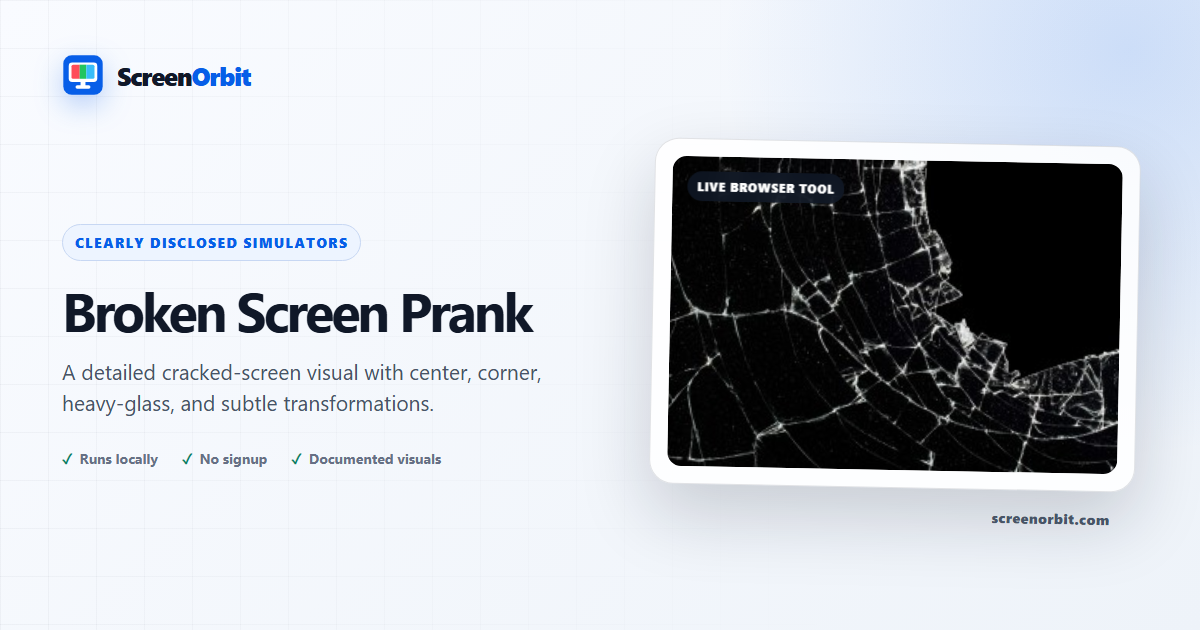
A detailed cracked-glass screen with live positioning
Fine branches, secondary cracks, translucent facets, and restrained highlights give Broken Screen Prank photographic depth. Choose a center, corner, heavy-glass, or subtle preset, then adjust intensity, placement, and reflection at runtime.
How to make the effect convincing
Use a preset appropriate to the display size and place the impact away from important browser controls. Too many equally bright lines look synthetic, so the generator varies branch weight and keeps most reflections low-opacity. The same seed remains stable until you randomize or reset, which prevents cracks from jittering between frames.
Consent and safe use
This is a visual joke, not a damage detector or repair utility. Use it only with people who are comfortable with the prank and stop immediately if it causes distress. Never use it to support a false insurance, warranty, school, workplace, or repair claim. The page identifies itself as an independent simulation before activation, never traps the browser, and leaves Escape unchanged.
The downloadable result is generated locally and contains the customized effect. For moving insects use Bug on Screen; for a single subtle obstruction use Hair on Screen. None of these pages inspect the physical panel.
Plan a useful session with Broken Screen Prank
Broken Screen Prank works best when you start with one question. Decide what you need to view, compare, create, record, or demonstrate. Keep the first run at the default state. Change one control after you understand the starting result. This approach gives you a clear baseline and a useful reason for every adjustment.
Create a clearly disclosed animated broken-screen simulation with mode-specific impact sequences, adjustable placement, reflection, intensity, and still download. Use the normal page view to prepare the settings. Enter fullscreen only after you review the exit control. Write down the mode and key values when you need to repeat the result on another device.
Choose controls by outcome
The available modes include center hit, corner crack, lcd lines, whiteout panel, subtle, mobile drop. The control set includes fullscreen, animation, keyboard, safe exit, quick download, reset. Start with the option closest to your task. Avoid changing every value at once. A single change gives you a direct before-and-after comparison and makes a saved result easier to explain.
- Create a harmless visual gag with the owner’s permission. Set a clear finish point before you begin.
- Mock up damaged glass for a film or interface concept. Set a clear finish point before you begin.
- Download a customized crack composition for a creative project. Set a clear finish point before you begin.
Run a repeatable workflow
- Stage 1. Confirm the safe-use disclosure and choose a damage style. Record the starting environment and state.
- Stage 2. Adjust placement and intensity, then select Start or tap the preview to replay its impact sequence. Keep the first comparison short and controlled.
- Stage 3. Use Mobile OLED Drop on a portrait phone, enter fullscreen deliberately, and exit with Escape. Reset the page when the session ends.
For a device comparison, use the same browser family, viewport, room light, physical brightness, and viewing distance where practical. Run the same order on both devices. Change one environmental factor only after the matched pass is complete. Keep this route focused on this use: Create a harmless visual gag with the owner’s permission.
Keep a useful record
A useful record names the page, mode, control values, browser, device, viewport, date, and viewing condition. For a visual observation, describe the location and the fields where the effect appears. For a generated asset, record dimensions, format, color values, and the downloaded file name. For a simulation, record the duration, custom text, disclosure, and exit method. The starting reference for this page is center hit.
- The effect cannot damage the display or files.
- Do not use it around driving, emergencies, repairs, vulnerable people, or essential equipment.
Avoid common setup errors
- For this use, do not treat a browser view as a hardware measurement or system action: Create a harmless visual gag with the owner’s permission.
- Do not change several settings before you record the baseline. Begin with center hit.
- Do not rely on a phone photograph as the only evidence. Keep this route limit in view: The effect cannot damage the display or files.
- Do not leave route features active after the task ends. The main controls include fullscreen, animation, keyboard, safe exit.
- Do not add private data, credentials, payment details, or confidential text. Keep the second listed use in scope: Mock up damaged glass for a film or interface concept.
Continue with the closest comparison
Open a related route when the first page reveals a new question. Keep the same environment and repeat only the part needed for comparison. The closest listed routes are Hair On Screen Prank, Bug On Screen Prank, Fake Windows 10 Blue Screen. Keep this final use in mind: Download a customized crack composition for a creative project.
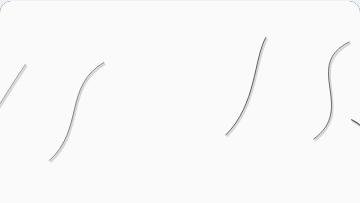
- Hair On Screen Prank. Generate subtle curved strands with adjustable length, angle, color, opacity, and count.
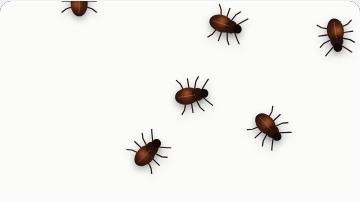
- Bug On Screen Prank. A detailed insect sprite with live count, size, speed, movement, shadow, and random placement.
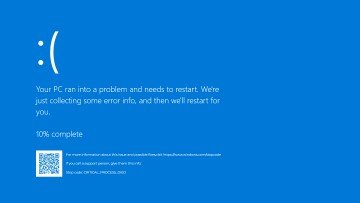
- Fake Windows 10 Blue Screen. A modern blue crash-screen scene with live progress and responsive typography.
Recommended guides
Questions about Broken Screen Prank
What does Broken Screen Prank do?
Create a clearly disclosed animated broken-screen simulation with mode-specific impact sequences, adjustable placement, reflection, intensity, and still download. Create a harmless visual gag with the owner’s permission. Mock up damaged glass for a film or interface concept.
Who gets the most value from this page?
Use this page when your task matches the listed purpose. Create a harmless visual gag with the owner’s permission. Mock up damaged glass for a film or interface concept. Start with a clear goal and stop once the page answers that goal.
Which Broken Screen Prank setting should you choose first?
Start with center hit, corner crack, lcd lines, whiteout panel, subtle, mobile drop. Keep the default state for the first pass. Change one control, review the result, then record the setting before another change.
What should you prepare before fullscreen?
Get permission from the device owner. Rehearse Escape and keep the session short. Choose a setting where a false screen will not interrupt work or safety. Confirm the safe-use disclosure and choose a damage style. Adjust placement and intensity, then select Start or tap the preview to replay its impact sequence.
Does this page change hardware or system settings?
The scene runs inside one browser tab. The page does not read files, lock the device, inspect accounts, request payment, or perform a system action. The center hit mode and Reset affect local page state only.
How should you judge the result?
Treat the page as disclosed entertainment or a planned production prop. End the scene as soon as the viewer shows concern. The effect cannot damage the display or files. Do not use it around driving, emergencies, repairs, vulnerable people, or essential equipment.
Does the page upload files or settings?
No tool state is uploaded by ScreenOrbit. Supported local files stay in the current browser tab. Generated files are assembled in browser memory and download to your device. The starting mode is center hit. The first use is: Create a harmless visual gag with the owner’s permission.
Which phones, tablets, and computers support the tool?
Current desktop and mobile browsers support the core page. Fullscreen, Wake Lock, downloads, audio, and local file access depend on browser and operating system support. The visible control set starts with fullscreen. The first use is: Create a harmless visual gag with the owner’s permission.
What mistakes reduce the value of the page?
Avoid public, workplace, school, medical, retail, and support contexts without written authorization. Never add private data or a payment request. Keep the goal, settings, environment, and exit plan clear. The first listed use is: Create a harmless visual gag with the owner’s permission.
Which ScreenOrbit tool should you open after Broken Screen Prank?
Continue with Hair On Screen Prank, Bug On Screen Prank, Fake Windows 10 Blue Screen. The related links preserve the same task area while giving you another field, pattern, or workflow for comparison.